How to Use AI to Explore Multiple Visual Directions Fast
A practical workflow for using AI to generate multiple distinct visual directions before committing to one, so you choose between strong alternatives instead of polishing a single idea too early.
- 01
Brief
Define audience, goal, brand feeling
- 02
5 directions
Safe, premium, expressive, experimental, wildcard
- 03
Critique
Score each on ownable, premium, audience fit
- 04
Select + build
Pick one winner, generate a real artifact
Why this guide matters
One of the most valuable things AI can do for designers is help generate multiple directions quickly.
Not final design. Not finished systems.
Early direction.
This matters because many design projects get stuck too early in a single idea. You choose one direction too soon, polish it too much, and only later realize:
- it feels generic
- it is not distinctive enough
- it is too safe
- it does not fit the brand
- the stakeholder actually wanted a different tone
AI is powerful here because it can help you widen the search space before you commit.
The real goal
The goal is not to ask AI for the answer.
The goal is to use AI to quickly produce:
- multiple concept territories
- multiple style directions
- multiple tone options
- multiple layout behaviors
- multiple emotional readings
So instead of debating one design, you are choosing between strong alternatives.
What “multiple visual directions” actually means
It does not mean random variations.
It means deliberately different routes.
For example:
- one direction feels editorial and premium
- one feels playful and energetic
- one feels technical and high-trust
- one feels retro and expressive
- one feels calm and minimal
That difference is what makes AI useful for early exploration.
The core workflow
Use AI as a divergence tool first, not a polishing tool first.
That means:
- Create multiple territories
- Compare them
- Choose a winner
- Refine only after choosing
This is much faster than refining one vague direction over and over.
Start with a strong brief
Before you ask for directions, define:
- what the product or page is
- who it is for
- what it needs to communicate
- what emotional signal it should create
- what must stay true across all directions
Without this, AI will generate surface variety with no real strategic difference.
The right way to prompt for visual directions
Do not say:
Give me some design ideas
Say:
Give me 5 clearly different visual directions for this landing page. Each direction should have a distinct mood, typography approach, layout behavior, color feeling, and emotional signal. The audience is product designers. The offer is a membership about AI workflows for designers. The page should feel high-quality and design-forward, but each direction should express that differently.
That creates contrast.
What to ask AI to vary
If you want useful exploration, tell the AI which levers to move.
Ask it to vary:
- typography
- density
- layout
- emotional tone
- color feeling
- motion style
- composition
- surface treatment
This creates more meaningful outputs than just “make 5 versions.”
The best prompt structure
Use this:
Give me [number] distinct visual directions for [page/product/component].

Context:
- Audience: [audience]
- Goal: [goal]
- Brand feeling: [brand feeling]
- Must communicate: [key ideas]

For each direction include:
- a short style name
- overall mood
- typography direction
- layout behavior
- color feeling
- motion cues
- what makes it different
- what to avoid

Make the directions genuinely different from each other, not small variations of the same concept.
A better way to think about directions
The most useful direction sets usually combine:
- one safe direction
- one premium direction
- one expressive direction
- one experimental direction
- one strategic wildcard
That gives you a good spread between likely choice and surprising possibility.
Example direction set
Imagine you are designing a site for an AI design membership.
You could ask for:
Direction 1: Quiet editorial
Feels calm, intelligent, restrained, premium.
Direction 2: Playful tech
Feels energetic, bright, optimistic, approachable.
Direction 3: Technical premium
Feels engineered, exact, high-trust, serious.
Direction 4: Retro internet culture
Feels expressive, web-native, referential, distinctive.
Direction 5: Experimental design-forward
Feels authored, artistic, sharp, culture-aware.
That is useful exploration.
Where AI helps the most
1. Naming the territory
AI is very good at turning fuzzy taste into clearer categories.
Instead of:
- modern
- premium
- cool
You can get:
- quiet editorial luxury
- technical premium minimalism
- playful product modernism
- late-90s digital nostalgia
- deconstructed editorial tech
2. Generating contrast quickly
You can ask for:
- lighter vs stronger
- more premium vs more accessible
- more playful vs more serious
- more minimal vs more expressive
3. Producing references faster
AI can suggest:
- what each direction resembles
- what visual lineage it belongs to
- how to describe it better in tools like Figma, image generation, or coding agents
Best tools to use
Use Claude or ChatGPT
Best for:
- generating the direction set
- describing each route clearly
- making the differences more strategic
- refining naming and art direction language
Use image-generation tools
Best for:
- fast visual route exploration
- creating moodboard-style concept frames
- showing stakeholders rough territory differences
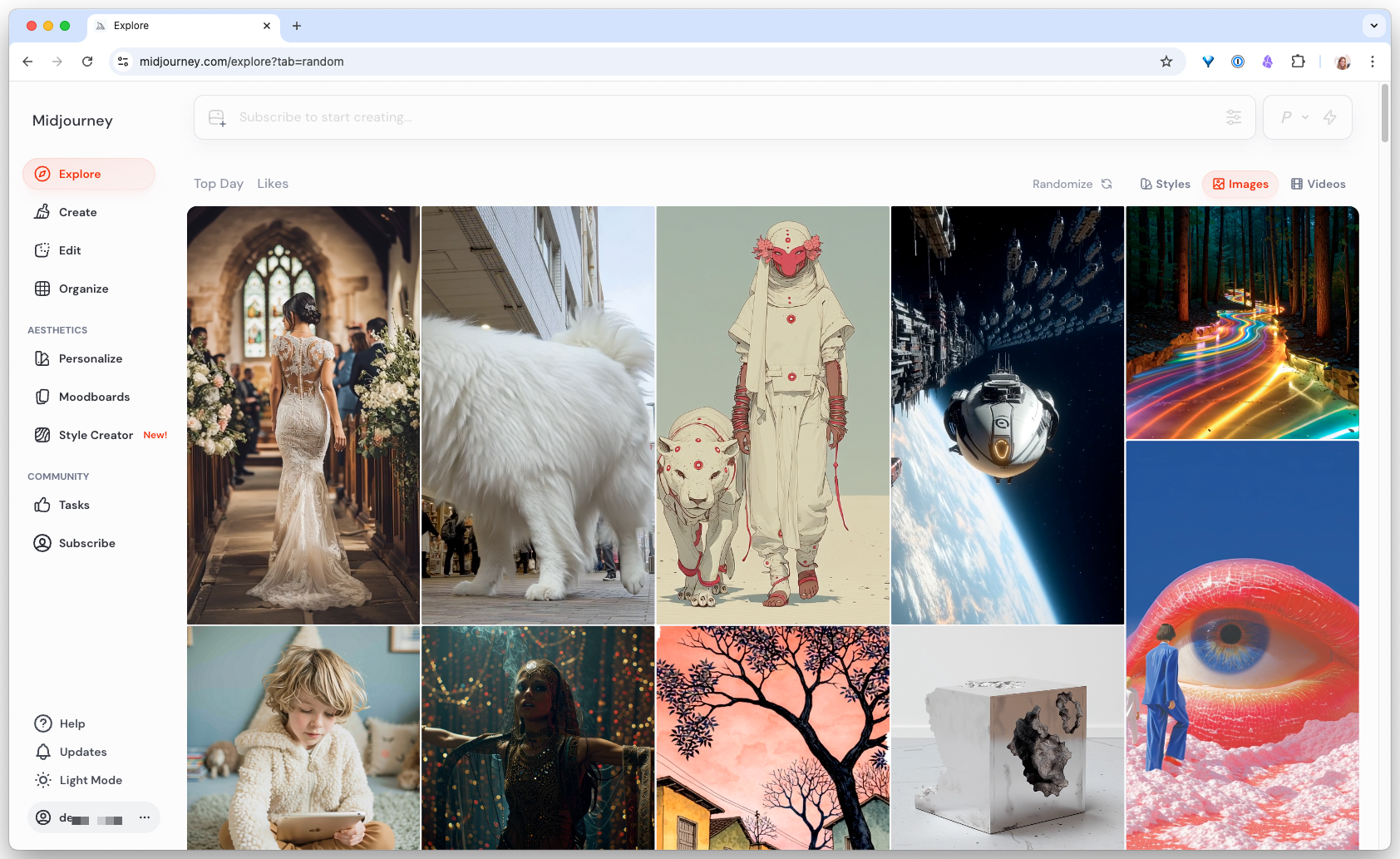
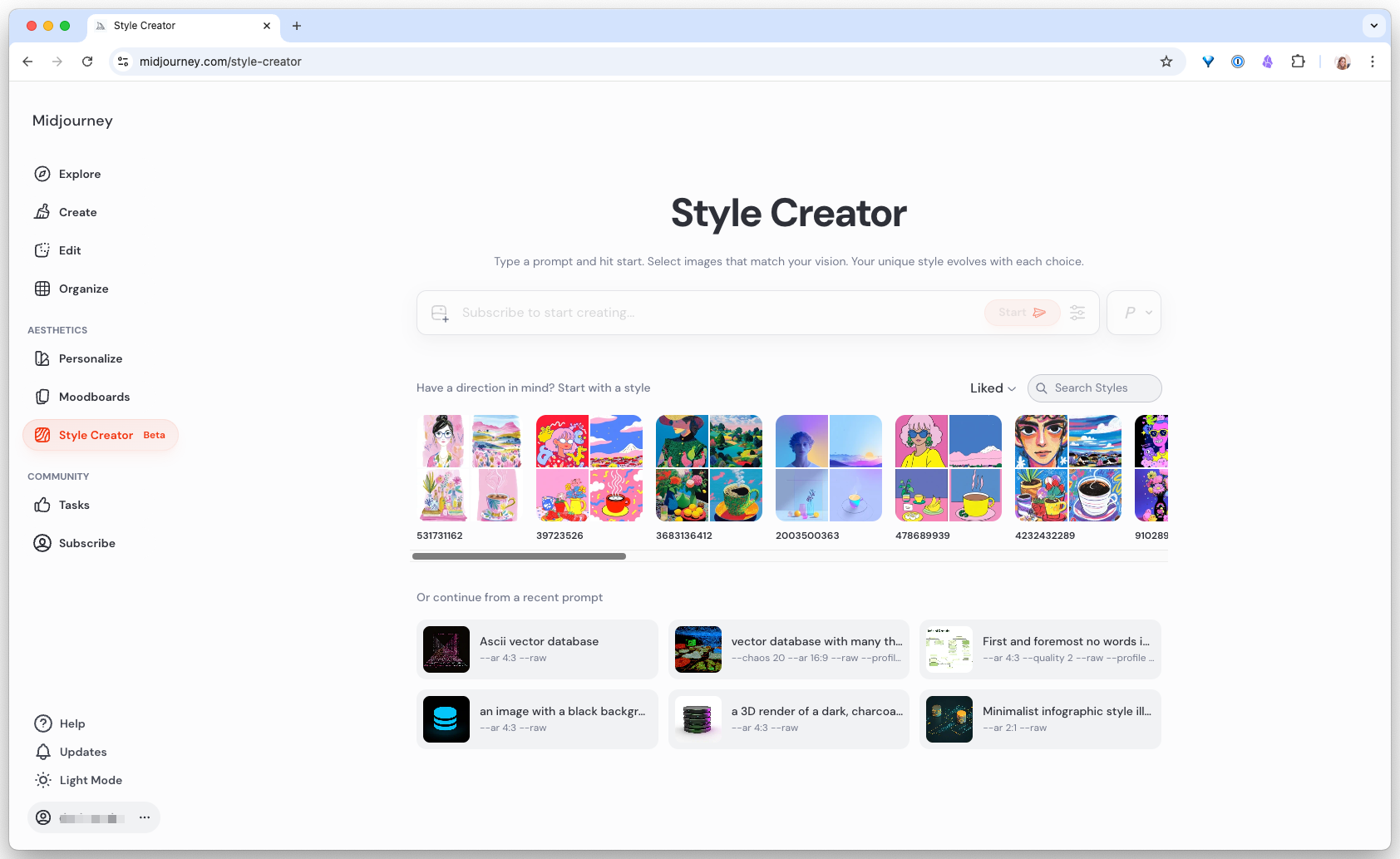
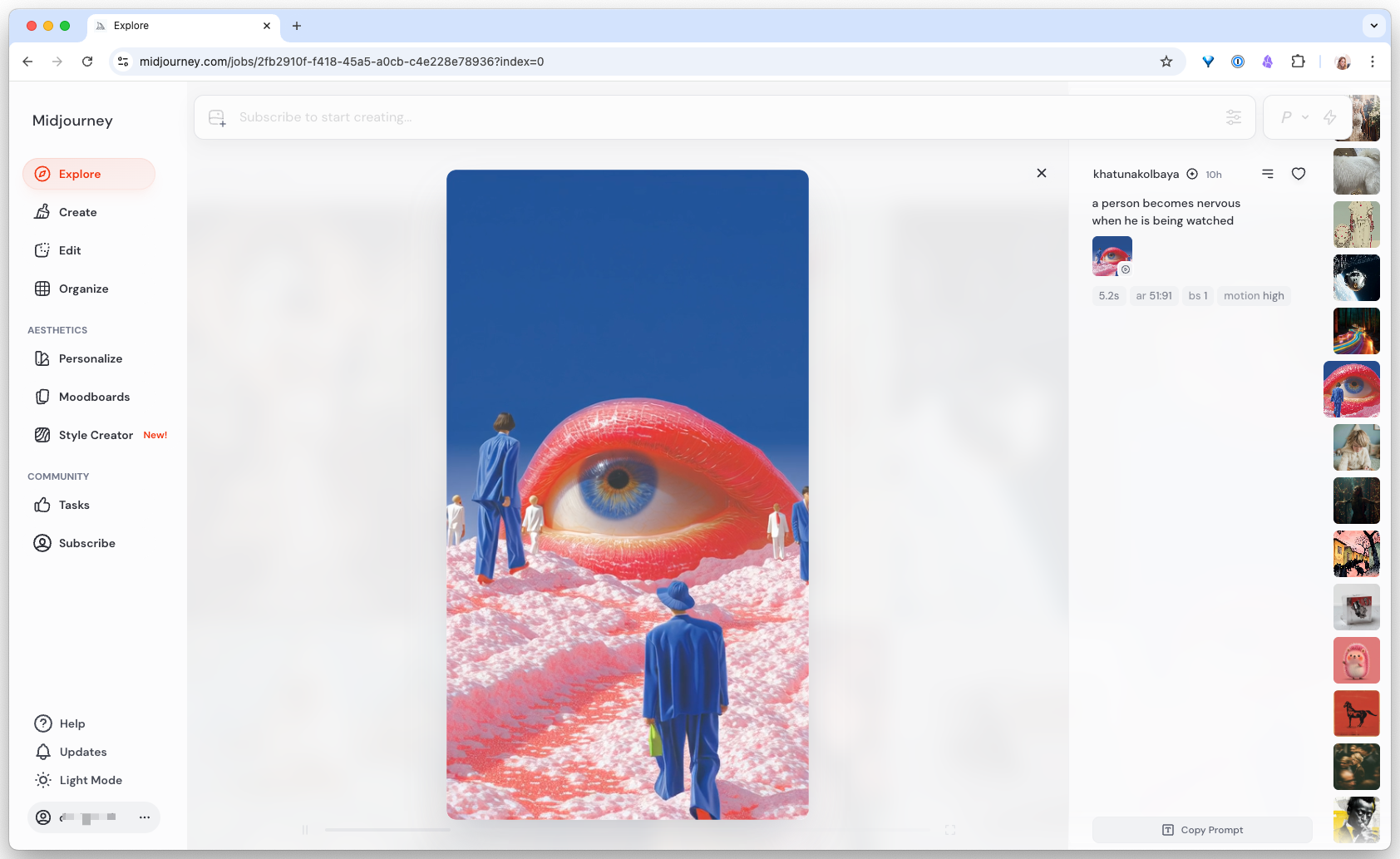
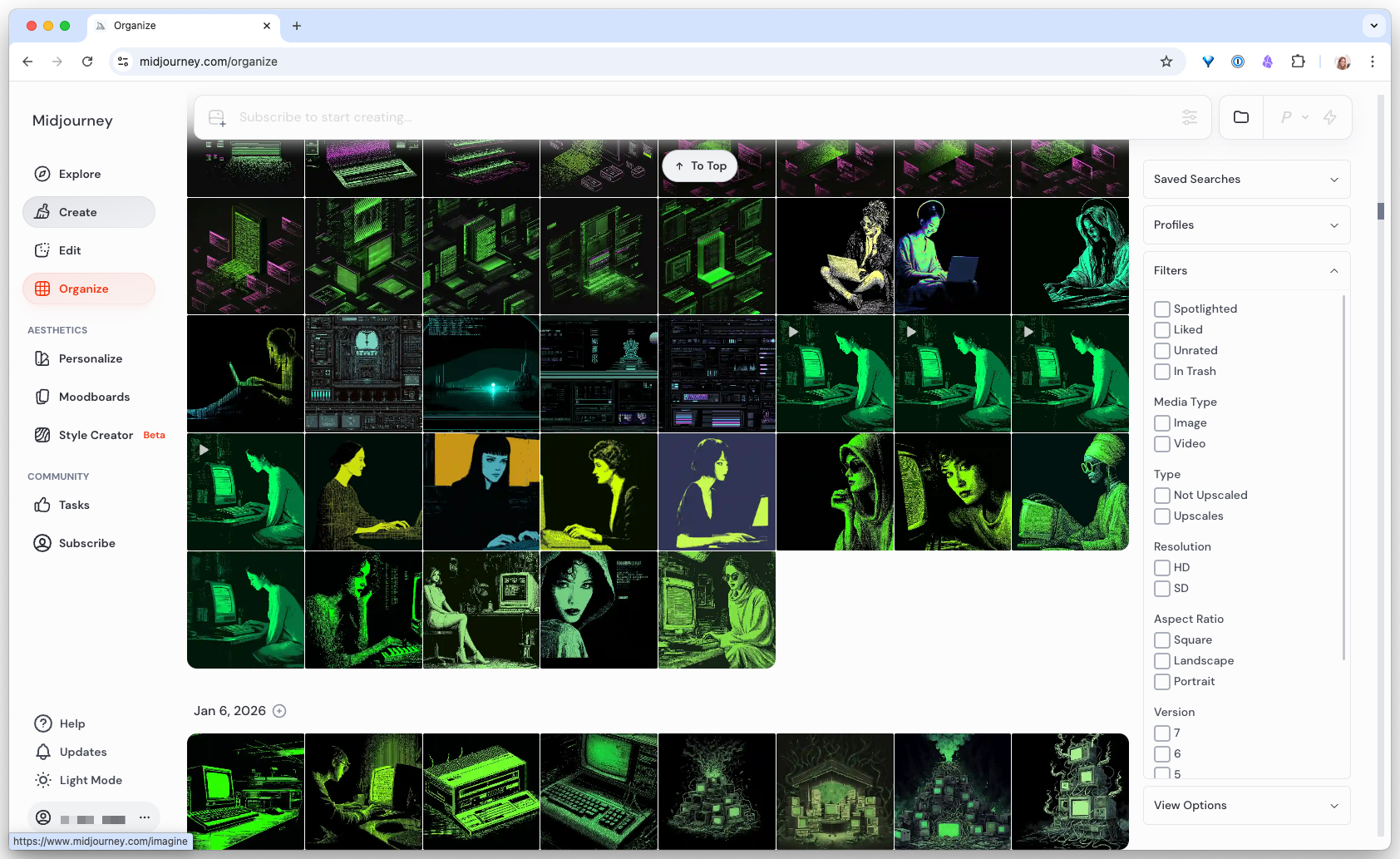
Midjourney is the strongest of these right now. Its Style Creator lets you pick a visual territory from examples rather than describing it in words, which is a huge unlock for directions you cannot name yet.
Use Nano Banana
Best for:
- generating quick still visual frames
- communicating “something like this” without opening Figma
- showing how the same product might feel under multiple visual treatments
Use Kling
Best for:
- exploring motion mood
- testing how atmosphere and energy change when a direction moves
- creating hero-effect references or cinematic motion references
Use Figma
Best for:
- translating a chosen direction into real design rules
- testing whether the style survives across multiple screens
- turning visual territory into a repeatable system
Use coding agents
Best for:
- quickly generating coded variants
- testing how a direction behaves as real UI
- comparing multiple implementations without building each one manually
The fastest practical workflow
Step 1: Ask for 5 distinct directions
Use a structured prompt.
Step 2: Pick the 2 strongest
Do not refine all 5. Cut fast.
Step 3: Generate stronger variations of the top 2
Ask for:
- a sharper version
- a more premium version
- a more usable version
Step 4: Turn the top direction into references
Use image-generation tools, Nano Banana, or screenshots.
Step 5: Translate into design rules
Define:
- typography
- layout
- spacing
- color
- motion
- surfaces
Step 6: Test in Figma or code
Do not stay in concept language forever. Move into something real quickly.
Prompt templates
Template 1: Initial direction set
Give me 5 genuinely different visual directions for [project].

Audience: [audience]
Goal: [goal]
Brand feeling: [brand feeling]

For each direction include:
- a short name
- overall mood
- typography direction
- layout behavior
- color feeling
- motion cues
- what makes it distinct
- what to avoid
Template 2: Narrowing the set
From these 5 directions, choose the 2 strongest for this audience and explain why.

Then improve each one in 3 ways:
- sharper
- more premium
- more practical for product UI
Template 3: Visual exploration prompt
Create a visual concept frame for this direction:
[paste chosen direction]

Make it feel distinctive and design-forward.
Keep it usable as a web or product design reference, not just an art piece.
Template 4: Motion exploration prompt
Take this visual direction and describe how it should move on a website.

Include:
- speed
- energy
- atmosphere
- depth
- lighting or texture shifts
- what should stay subtle
- what should never distract from readability
How to avoid low-quality variation
Bad direction sets happen when:
- all variations use the same layout
- the only difference is color
- the tone never changes
- the AI is not told to make the options truly different
- you ask for too many directions at once without constraints
The fix:
- specify the dimensions that should vary
- ask for contrast
- ask for what makes each direction distinct
- ask what to avoid in each route
Good evaluation questions
When reviewing multiple directions, ask:
- Which one feels most ownable?
- Which one best matches the audience?
- Which one feels most premium?
- Which one will age best?
- Which one creates the clearest emotional response?
- Which one could become a real system, not just a cool mockup?
These questions help you avoid choosing only by novelty.
The biggest mistake
The biggest mistake is using AI to generate more options, but still evaluating them vaguely.
If you do not know what you are looking for, more options just create more noise.
So always pair exploration with evaluation criteria.
A useful mindset
Use AI to expand the design space. Use your judgment to narrow it.
That is where the leverage is.
AI helps you go wider. Taste helps you go deeper.
Generate five genuinely different directions for a real page you own
-
Write a strong brief and request five distinct directions
Open Claude. Fill in the bracketed context with details from a real page you own (not a pretend brief). Run the prompt. Read the five directions side by side.
- Five directions that feel genuinely different in typography, layout, and mood
- Each direction names a specific style territory, not an adjective
- The “avoid” clause in each is specific (names a pattern, not a vibe)
- At least one direction surprises you or makes you slightly uncomfortable
I am exploring visual directions for [page name]. Here is the context: - Audience: [specific audience] - Goal: [primary goal of the page] - Brand feeling: [emotional signal the brand needs] - Must communicate: [2 or 3 non-negotiable ideas] Give me five genuinely different visual directions. Cover: - one safe - one premium - one expressive - one experimental - one strategic wildcard For each direction include: a short name, mood, typography direction, layout behavior, color feeling, motion cues, what makes it distinct, what to avoid, and a one-paragraph prompt I can paste into a coding agent. Make them genuinely different, not small variations of the same concept. -
Narrow to two, then build the stronger one
Pick the two strongest directions. Ask Claude to produce a sharper, more premium, and more practical variation of each. Choose the single winner. Paste its one-paragraph prompt into a coding agent (Claude Code, v0, Bolt, Figma Make) and generate a real implementation. Compare it side-by-side with your current live page.
- You can name the two finalists and explain in one sentence why each lost or won
- The generated page is a real artifact you can open, not a description
- You can point at specific design decisions in the output and trace them back to words in the original prompt
- You feel genuine tension between “this is better” and “this breaks our brand”, and that tension is where the decision lives
Finished this lesson?
Mark it complete to track your progress through "Visual Direction & Style".
The guides alone saved me a full day of work every sprint.
- All guides, prompts, and templates
- Starter kits and templates
- New content every week
- Priority support