What is Firecrawl?
Firecrawl turns websites into clean markdown or structured data that AI can understand. Instead of manually copying content from websites, Firecrawl handles:
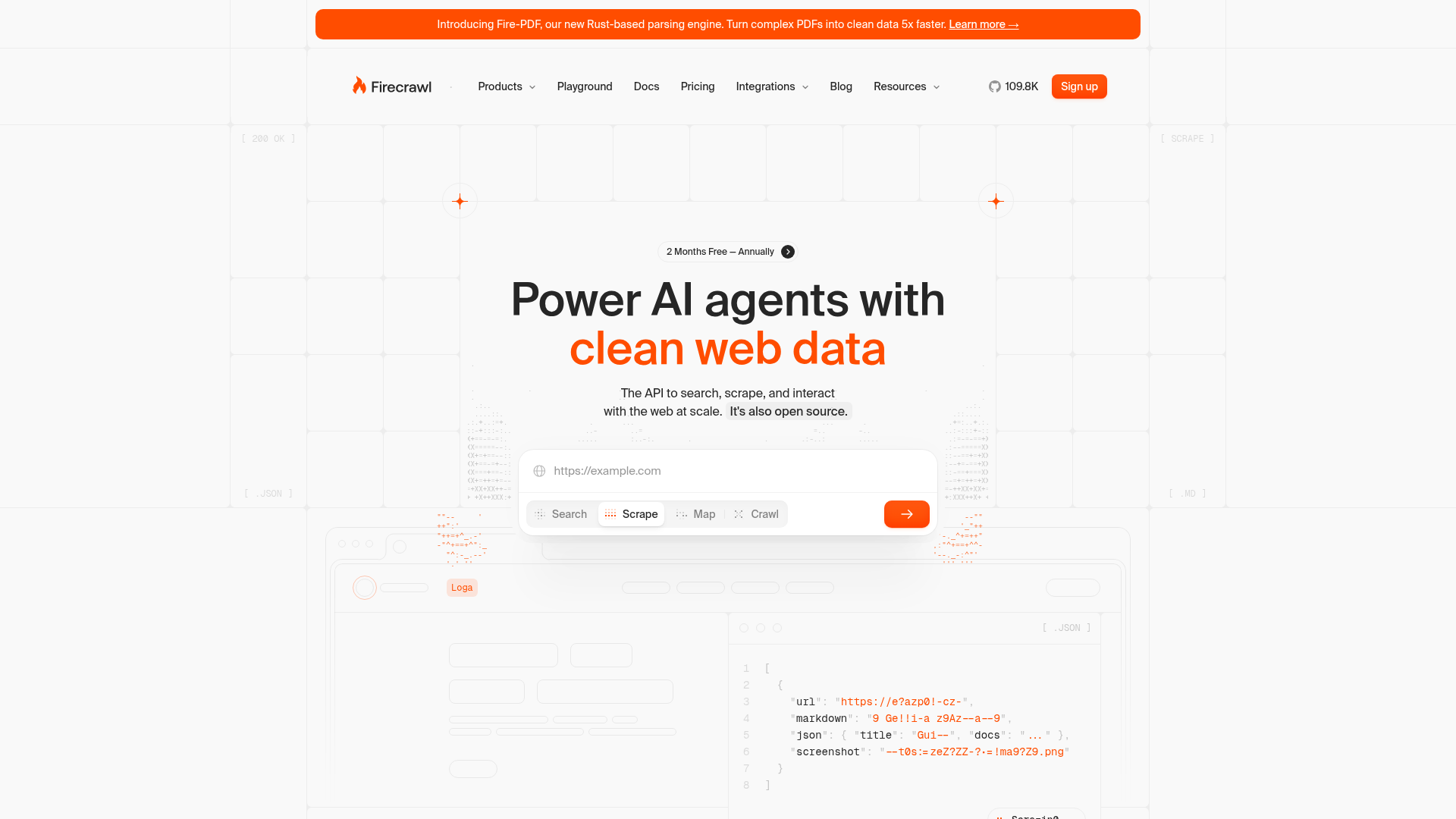
- Scrape - Turn any URL into clean data
- Crawl - Walk through entire websites and map all pages
- Search - Find relevant web content and get page data
- Interact - Have AI agents interact with web pages
Why designers use it
Design research at scale
Need to analyze how 20 competitors handle their pricing pages? Instead of manually screenshotting each one:
# Scrape competitor pricing pages
firecrawl scrape https://competitor.com/pricing --format markdown
You get clean, structured content ready to analyze.
Content inventory
Crawl your own site to create a complete content inventory:
firecrawl crawl https://your-site.com --limit 100Feed AI assistants
Give Claude or Cursor real content to work with instead of placeholder text:
"Scrape the Shopify design system documentation and create a comparison with our component library"Firecrawl as an MCP server
Firecrawl has an MCP server, which means Claude Code can use it directly:
{
  "mcpServers": {
    "firecrawl": {
      "command": "npx",
      "args": ["-y", "firecrawl-mcp"]
    }
  }
}
Now Claude can scrape websites as part of any workflow:
- “Research how Linear, Notion, and Figma structure their docs navigation”
- “Scrape our marketing site and check if all pages use the correct brand colors”
- “Get the content from this design systems conference talk and summarize the key points”
Getting started
- Sign up at firecrawl.dev
- Get your API key
- Install the MCP server or use the playground
The playground at firecrawl.dev/playground lets you test scraping without any setup.
Try with Prompts
Ready-to-use prompts related to this guide
Translate brand guidelines (PDF, style guide) into a structured set of design tokens with proper naming and hierarchy.
Generate comprehensive component documentation including props, usage guidelines, do's and don'ts, and accessibility notes from a component's code.
Generate a full component specification from just a component name, including props, variants, states, tokens, and accessibility requirements.