Why Cursor for Designers?
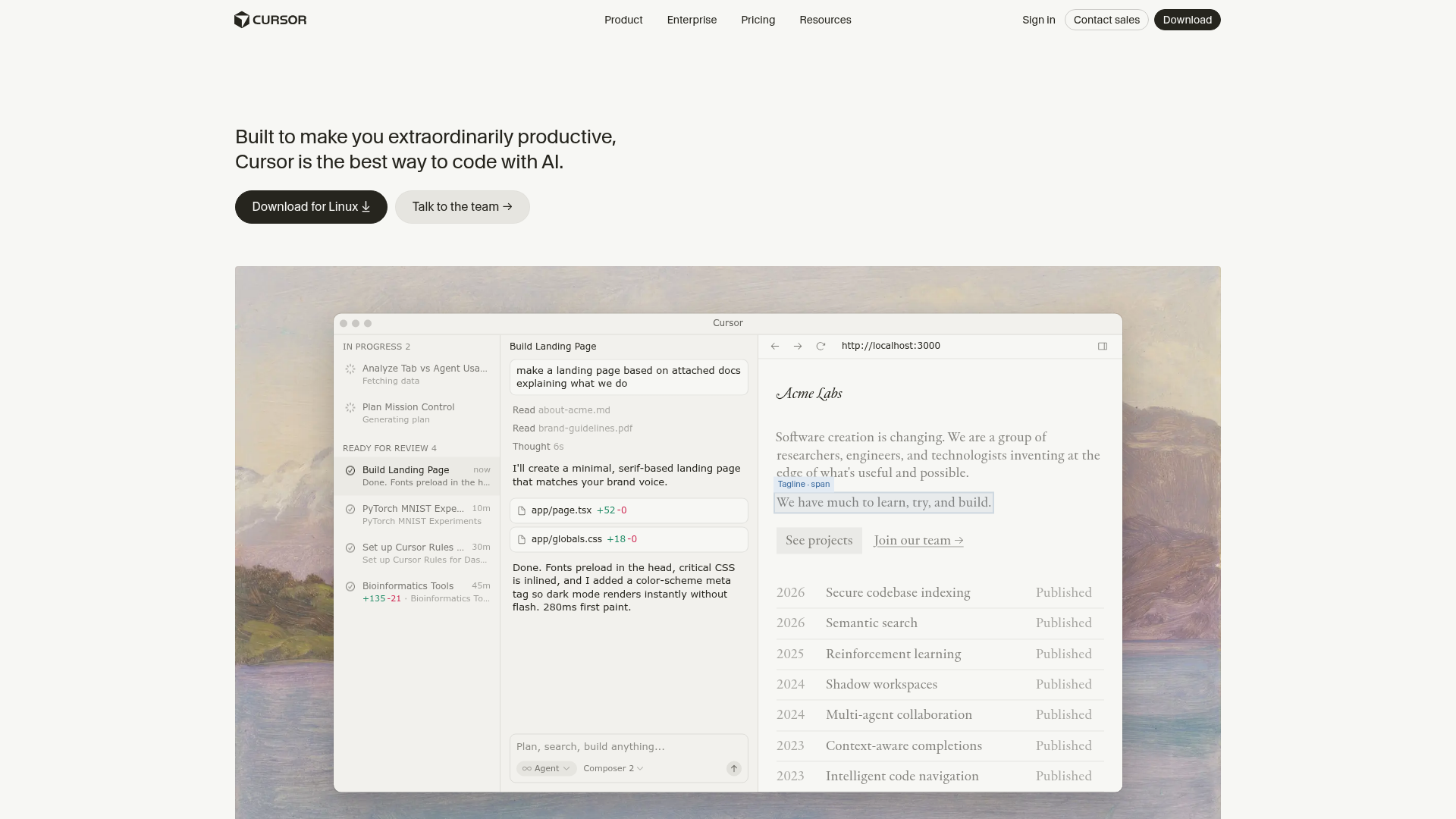
Cursor is a fork of VS Code with AI deeply integrated. For designers learning to code or building prototypes, it removes the friction of writing code from scratch.
Key Features for Design Work
- Composer — Describe what you want in natural language, Cursor builds it
- Tab Completion — AI predicts and auto-completes code as you type
- Chat — Ask questions about your codebase, get explanations
- MCP Integration — Connect to Figma, design tokens, and other design tools
Getting Started
- Download Cursor from cursor.com
- Open your project folder
- Use Cmd+K to start a conversation with AI
- Describe what you want to build
Tips for Designers
- Start with simple HTML/CSS prototypes
- Use the AI to explain code you don’t understand
- Connect MCP servers for Figma integration
- Use
.cursorrulesto set project conventions
Try with Prompts
Ready-to-use prompts related to this guide
Brand-to-Token Mapping
Translate brand guidelines (PDF, style guide) into a structured set of design tokens with proper naming and hierarchy.
Prompt
Component Documentation Generator
Generate comprehensive component documentation including props, usage guidelines, do's and don'ts, and accessibility notes from a component's code.
Prompt
Component Spec Generator
Generate a full component specification from just a component name, including props, variants, states, tokens, and accessibility requirements.
Prompt