What Cline is
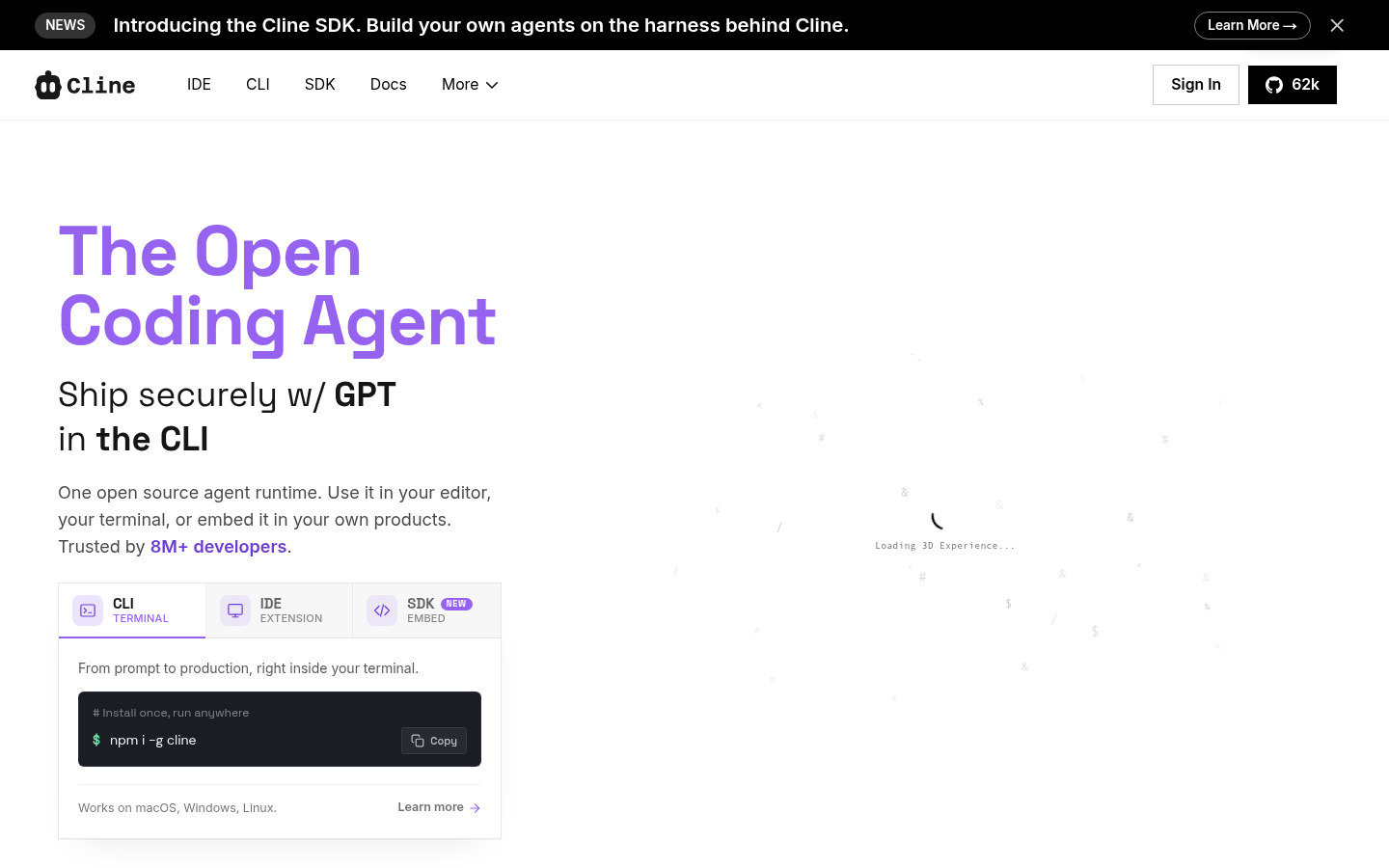
Cline is an open-source autonomous coding agent that runs inside your editor as a sidebar. Unlike Copilot or Cursor’s inline completion, Cline is built around the agentic loop: it reads files, writes patches, runs commands, watches the output, and keeps iterating until the task is done. By 2026 it has 5M+ installs, 61k+ GitHub stars, and ships for VS Code, JetBrains, Cursor, Windsurf, Zed, Neovim, plus a preview CLI.
The detail that makes it relevant for design system work: .clinerules.
Why .clinerules matters for design systems
.clinerules is a version-controlled file at the root of your project that scopes Cline’s behaviour to your team’s standards. Think of it as the same shape of contract as CLAUDE.md, but for the Cline agent specifically.
Inside .clinerules you can encode:
- “Always use design system primitives from
src/components/ds, never raw HTML elements” - “Token references must use semantic variables, never raw hex”
- “Run the anti-pattern check skill before declaring any UI task complete”
- “Reject suggestions that introduce new typography scales”
Cline reads this file at the start of every session and applies the rules across every patch it proposes. For a team that has invested in a component library and token system, this is the difference between an autonomous agent that respects your design system and one that quietly erodes it.
What it is good at
- Long-running refactors across many files
- Repetitive design system migrations (“rename token X to Y, update every consumer”)
- Autonomous bug fixing with test verification in the loop
- Running its own shell commands, reading the output, and self-correcting
- Pay-as-you-go cost transparency: you bring your own API key, no opaque subscription
Where it gets shaky
- Long contexts are expensive. A 2-hour refactor session can rack up real API spend on Opus or GPT-5.
- The agent will absolutely do something destructive if your
.clinerulesdoes not constrain it. Treat the file as a safety boundary, not a stylistic preference. - Less polished UX than Cursor for quick inline work. If you mostly want autocomplete, Cline is overkill.
How to use it well
- Set up
.clinerulesbefore you let Cline touch anything. Reference your design system, your token names, your forbidden patterns. - Use it for tasks that are too tedious to do by hand but too design-system-sensitive to hand to a generic AI. Token migrations are the sweet spot.
- Watch the first few patches carefully. Once you trust the agent within a domain, give it more rope.
- Pair with the anti-pattern check skill — let Cline run it on its own output before marking the task done.
Where it sits in your stack
Cline is the autonomous-agent slot in the AI coding lineup. Use Cursor for interactive inline work, Claude for one-off reasoning tasks, and Cline when you want to set a clear goal, walk away, and come back to find the work done within design system boundaries you set up front.
Try with Prompts
Ready-to-use prompts related to this guide
Translate brand guidelines (PDF, style guide) into a structured set of design tokens with proper naming and hierarchy.
Generate comprehensive component documentation including props, usage guidelines, do's and don'ts, and accessibility notes from a component's code.
Generate a full component specification from just a component name, including props, variants, states, tokens, and accessibility requirements.