Component Intent Map
A JSON template with when/where/why logic for 20 common design system components. Makes AI pick the right component for the right context.
What This Is
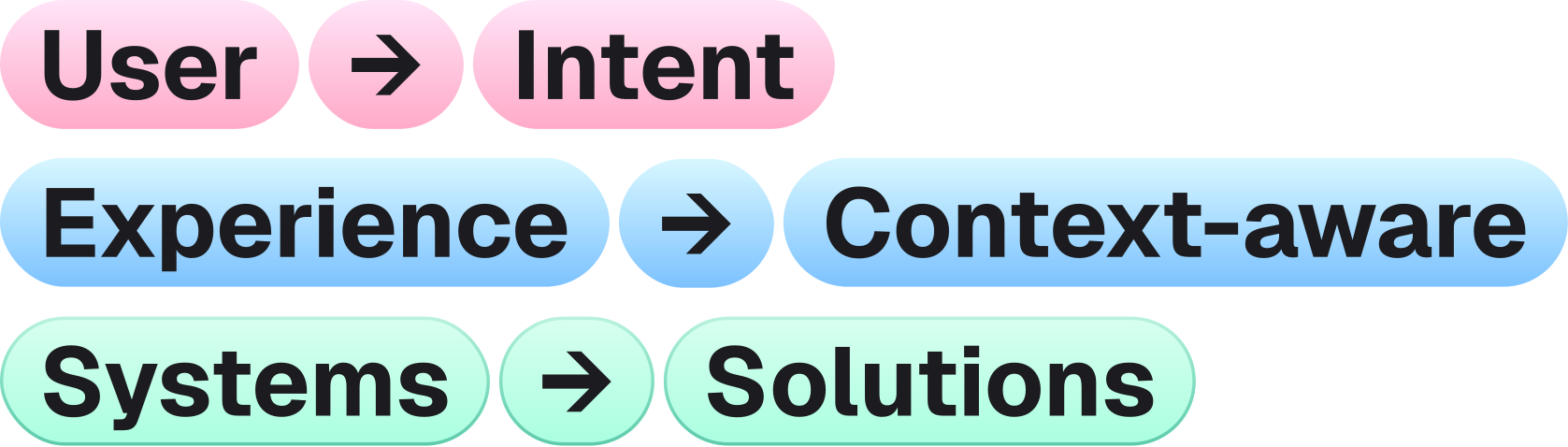
Most design systems document WHAT a component is. AI needs to know WHEN to pick it.
This template provides intent mapping for 20 common components. Each entry includes:
- use_when - The scenario where this component is correct
- dont_use_when - Common mistakes (and what to use instead)
- placement - Where it goes in the layout
- required_tokens - Which tokens it needs
- a11y - Accessibility requirements
Why This Matters
Without intent, Claude guesses. Ask it for “a confirmation dialog” and it might use a Toast, an AlertBanner, or a Sheet. With intent, it picks Dialog with the destructive variant and the right tokens.
How to Use
- Download
component-intent-map.json - Place it in
.design-system/in your project - Replace/add entries for your actual components
- Reference from CLAUDE.md or a path-scoped rule
A decision layer for your design system
Each entry teaches AI the intent behind a component: when to use it, when to avoid it, where it belongs, and what accessibility contract it carries.
Component intent reference
Each component below shows what it looks like, what the JSON entry should look like, and when to reach for it. The full file is a single object — combine all 20 entries when you ship your own version.
Button
"Button": {
  "use_when": "User-initiated action (submit, cancel, navigate, toggle)",
  "dont_use_when": "Navigation to another page (use Link). Decorative element.",
  "placement": "Forms, cards, dialogs, toolbars",
  "required_tokens": ["color.bg.{intent}", "color.fg.{intent}", "radius.md"],
  "a11y": "44x44px min touch target, visible focus ring, disabled announced"
}
IconButton
"IconButton": {
  "use_when": "Action with universally understood icon (close, delete, settings)",
  "dont_use_when": "Icon meaning is ambiguous. Always use Button with label instead.",
  "placement": "Toolbars, card headers, dialog close",
  "required_tokens": ["color.fg.{intent}", "size.icon.md"],
  "a11y": "Must have aria-label. Tooltip on hover for clarity."
}
Link
"Link": {
  "use_when": "Navigation to another page or external resource",
  "dont_use_when": "Triggering an action (use Button). Opening a dialog.",
  "placement": "Inline text, navigation, breadcrumbs",
  "required_tokens": ["color.fg.primary", "color.fg.primary.hover"],
  "a11y": "External links need aria-label or visual indicator"
}
Dialog
"Dialog": {
  "use_when": "Action requires user confirmation or focused input",
  "dont_use_when": "Content preview (use Sheet). Non-critical info (use Toast).",
  "placement": "Centered overlay with backdrop",
  "required_tokens": ["color.bg.surface", "shadow.lg", "radius.lg"],
  "a11y": "Focus trap, ESC to close, aria-modal=true, return focus on close"
}
Sheet
Filter results
Pick tags, sort order, and date range. Apply when ready.
"Sheet": {
  "use_when": "Secondary content or actions that don't need full focus",
  "dont_use_when": "Destructive actions (use Dialog). Quick feedback (use Toast).",
  "placement": "Slides from edge (right or bottom)",
  "required_tokens": ["color.bg.surface", "shadow.lg"],
  "a11y": "Focus trap, ESC to close, aria-modal=true"
}
AlertBanner
"AlertBanner": {
  "use_when": "System-level message affecting entire page or section",
  "dont_use_when": "Inline validation (use InlineAlert). Temporary feedback (use Toast).",
  "placement": "Top of page, below nav, full width",
  "required_tokens": ["color.bg.{status}", "color.fg.{status}", "color.border.{status}"],
  "a11y": "role=alert for urgent, role=status for informational"
}
InlineAlert
"InlineAlert": {
  "use_when": "Contextual feedback within a form or content area",
  "dont_use_when": "Page-level messages (use AlertBanner). Temporary (use Toast).",
  "placement": "Inline, near related content",
  "required_tokens": ["color.bg.{status}.subtle", "color.fg.{status}"],
  "a11y": "aria-live=polite, never role=alert"
}
Toast
"Toast": {
  "use_when": "Non-critical, temporary feedback after an action",
  "dont_use_when": "Errors requiring action (use AlertBanner). Persistent info.",
  "placement": "Bottom-right corner, auto-dismiss 5s",
  "required_tokens": ["color.bg.surface", "shadow.md", "radius.md"],
  "a11y": "role=status, aria-live=polite, never auto-dismiss errors"
}
Card
Design Tokens Audit
Scan your project for unused, duplicated, or off-system tokens.
"Card": {
  "use_when": "Grouping related content as a single unit",
  "dont_use_when": "Simple list item (use ListItem). Full-page section (use Section).",
  "placement": "Grids, lists, dashboards",
  "required_tokens": ["color.bg.surface", "shadow.sm", "radius.lg", "space.padding.md"],
  "a11y": "Clickable cards need role=article or role=link on the wrapper"
}
Input
"Input": {
  "use_when": "Single-line text entry (name, email, search, number)",
  "dont_use_when": "Multi-line text (use Textarea). Selection from options (use Select).",
  "placement": "Forms, search bars, filters",
  "required_tokens": ["color.bg.surface", "color.border.muted", "radius.md", "size.input.md"],
  "a11y": "Always pair with Label. aria-describedby for help text. aria-invalid for errors."
}
Textarea
"Textarea": {
  "use_when": "Multi-line text entry (comments, descriptions, notes)",
  "dont_use_when": "Single-line input (use Input). Rich text (use RichTextEditor).",
  "placement": "Forms, comment sections",
  "required_tokens": ["color.bg.surface", "color.border.muted", "radius.md"],
  "a11y": "Label required. Character count announced to screen readers."
}
Select
"Select": {
  "use_when": "Choosing one option from a predefined list (5+ options)",
  "dont_use_when": "2-3 options (use RadioGroup). Multi-select (use Checkbox group or Combobox).",
  "placement": "Forms, filters, settings",
  "required_tokens": ["color.bg.surface", "color.border.muted", "radius.md"],
  "a11y": "Label required. Keyboard arrow navigation. Selected option announced."
}
Checkbox
"Checkbox": {
  "use_when": "Toggle a single boolean or select multiple from a list",
  "dont_use_when": "Mutually exclusive options (use RadioGroup). Immediate effect (use Switch).",
  "placement": "Forms, settings, filters, lists",
  "required_tokens": ["color.bg.primary", "color.border.muted", "size.icon.sm"],
  "a11y": "Always pair with Label. Group with fieldset+legend for sets."
}
Switch
"Switch": {
  "use_when": "Toggle with immediate effect (enable/disable, on/off)",
  "dont_use_when": "Form submission required (use Checkbox). Multiple options (use Checkbox group).",
  "placement": "Settings, preferences, feature toggles",
  "required_tokens": ["color.bg.primary", "color.bg.muted", "radius.full"],
  "a11y": "role=switch, aria-checked, visible on/off state"
}
RadioGroup
"RadioGroup": {
  "use_when": "Mutually exclusive selection from 2-5 options",
  "dont_use_when": "5+ options (use Select). Multi-select (use Checkbox group).",
  "placement": "Forms, settings, wizards",
  "required_tokens": ["color.bg.primary", "color.border.muted"],
  "a11y": "fieldset+legend required. Arrow key navigation between options."
}
Tabs
"Tabs": {
  "use_when": "Switching between related content panels in the same context",
  "dont_use_when": "Navigation between pages (use Nav). Step-by-step (use Stepper).",
  "placement": "Content sections, settings, dashboards",
  "required_tokens": ["color.border.primary", "color.fg.muted", "space.gap.sm"],
  "a11y": "role=tablist, arrow keys, aria-selected, panels linked via aria-labelledby"
}
Avatar
"Avatar": {
  "use_when": "Representing a user or entity with an image or initials",
  "dont_use_when": "Decorative images (use Image). Brand logos (use Logo).",
  "placement": "Headers, comments, user lists, cards",
  "required_tokens": ["size.avatar.{size}", "radius.full", "color.bg.muted"],
  "a11y": "alt text for img. aria-label for initials fallback."
}
Badge
"Badge": {
  "use_when": "Status indicator or count attached to another element",
  "dont_use_when": "Standalone label (use Tag). Interactive filter (use Chip).",
  "placement": "Next to nav items, avatars, icons",
  "required_tokens": ["color.bg.{status}", "color.fg.{status}", "radius.full", "font.size.xs"],
  "a11y": "aria-label describing the count/status for screen readers"
}
Tag
"Tag": {
  "use_when": "Categorization label, taxonomy, or metadata display",
  "dont_use_when": "Status indicator (use Badge). Interactive filter (use Chip).",
  "placement": "Content cards, article headers, filter results",
  "required_tokens": ["color.bg.muted", "color.fg.muted", "radius.sm", "font.size.xs"],
  "a11y": "Decorative unless removable. Removable tags need aria-label on remove button."
}
Tooltip
"Tooltip": {
  "use_when": "Supplementary info on hover/focus for an element that has a visible label",
  "dont_use_when": "Essential info (make it visible). Touch-only interfaces. Rich content (use Popover).",
  "placement": "Above or below the trigger element",
  "required_tokens": ["color.bg.inverse", "color.fg.inverse", "radius.sm", "shadow.sm"],
  "a11y": "role=tooltip, aria-describedby, keyboard accessible via focus, delay on show"
}
Download
The component-intent-map.json file you can drop into .design-system/ ships all 20 entries above as a single object. Use the download button at the top of this page to grab it.
The guides alone saved me a full day of work every sprint.
- All guides, prompts, and templates
- Starter kits and templates
- New content every week
- Priority support